
Quick access
Reach your most-used sites in one click.
Your favorite sites, quick notes, and a view you love. All in one place.
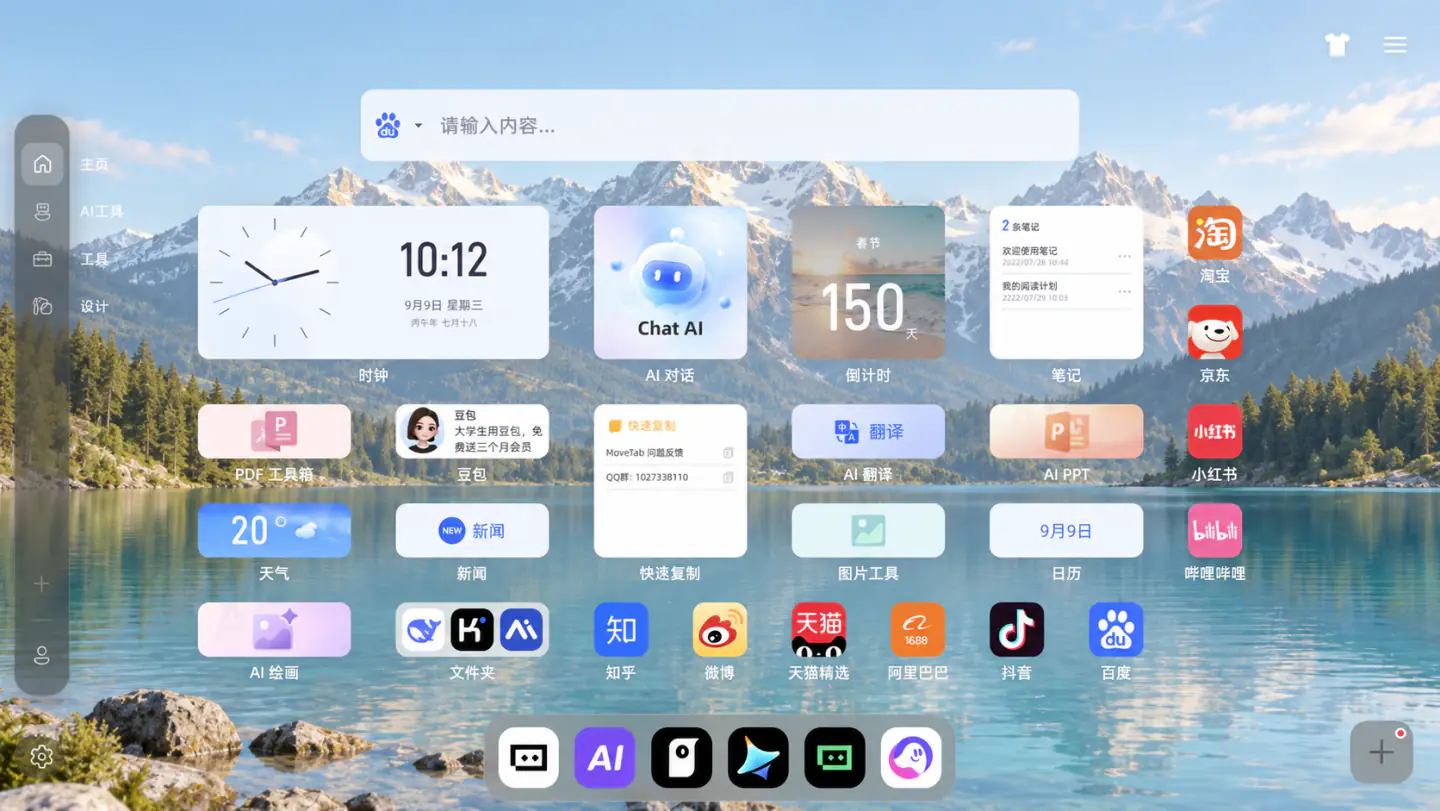
Bring shortcuts, search, notes, tasks, wallpapers, and widgets into one focused starting point.
Reach your most-used sites in one click.
Group links your way and shape a personal workspace.
The tools you need, without the noise you do not.
Drag, group, pin, and collect your favorite sites so the right entry is always within reach.
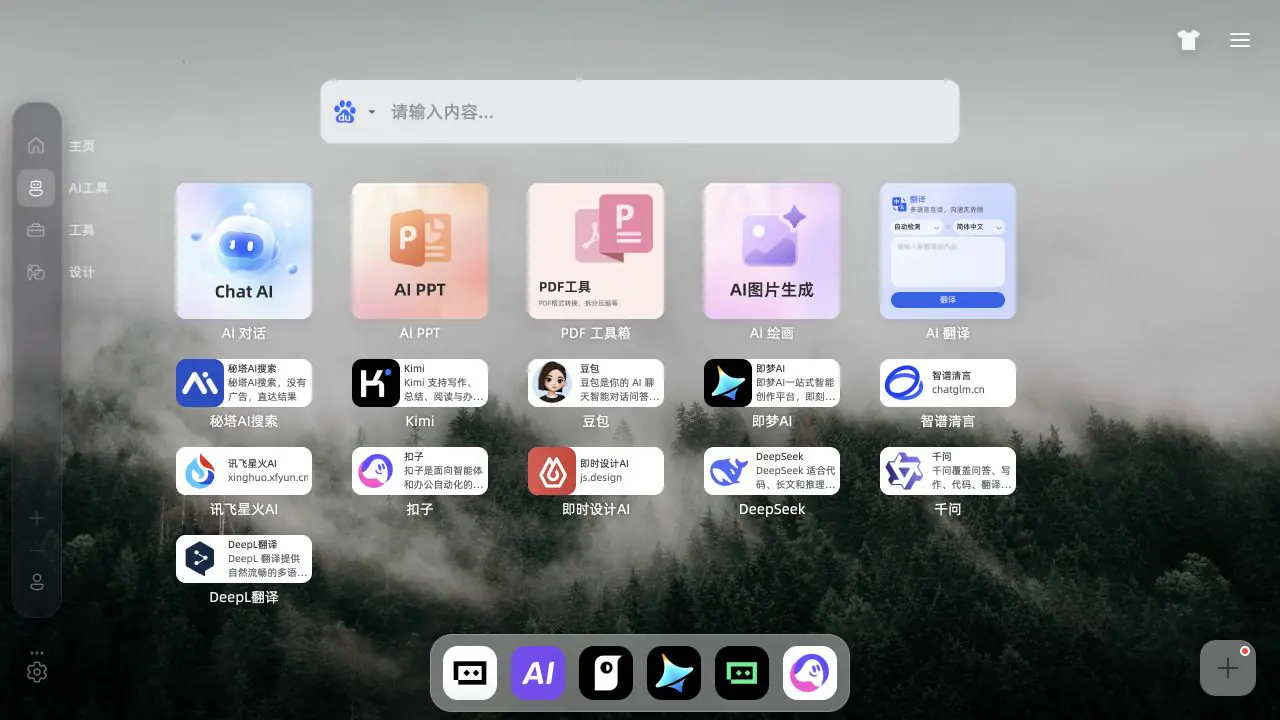

Start with a fast search bar, then keep small tasks and ideas close with lightweight notes and to-dos.
Pair thoughtful wallpapers, themes, and widgets with a layout that stays calm enough for daily use.
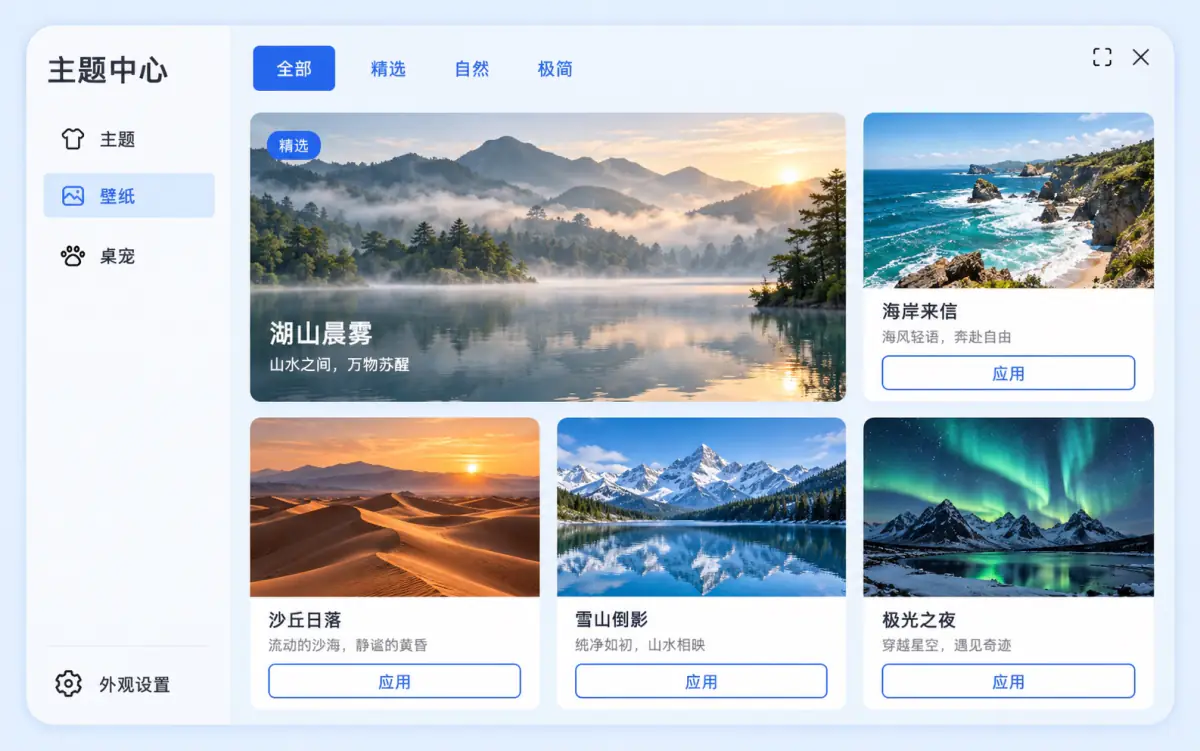
Built for modern browsers, light on resources, and clear about how your workspace is managed.
Whether you are working, learning, or collecting ideas, Movetab is a helpful starting point.
Keep everyday tools ready for a faster start.
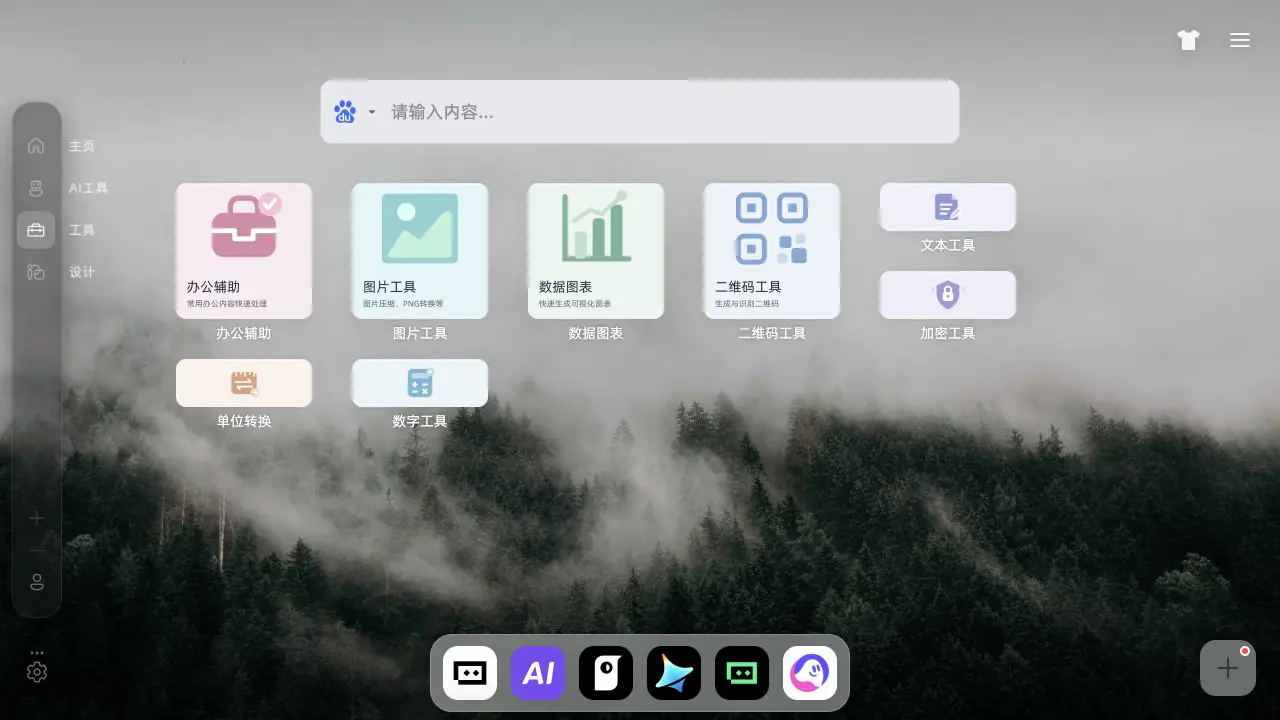
Collect resources and protect your focus.
Save the thought before it disappears.

Still curious? Visit support or send us a note.
Movetab currently supports Chrome and Edge. Use the latest version for the most complete experience.
Yes. Add, remove, drag, pin, and group shortcuts, then create folders for different routines.
Yes. Switch wallpapers and themes, then combine lightweight widgets around your own habits.
Movetab processes only the data needed to provide the product and keeps workspace management clear.
Calm, fast, and focused — a browser workspace that works with you.