
Features

Less searching. More doing.

Organize sites, capture ideas, and keep everyday tools within reach.

Quick access

Keep everyday sites where you expect them

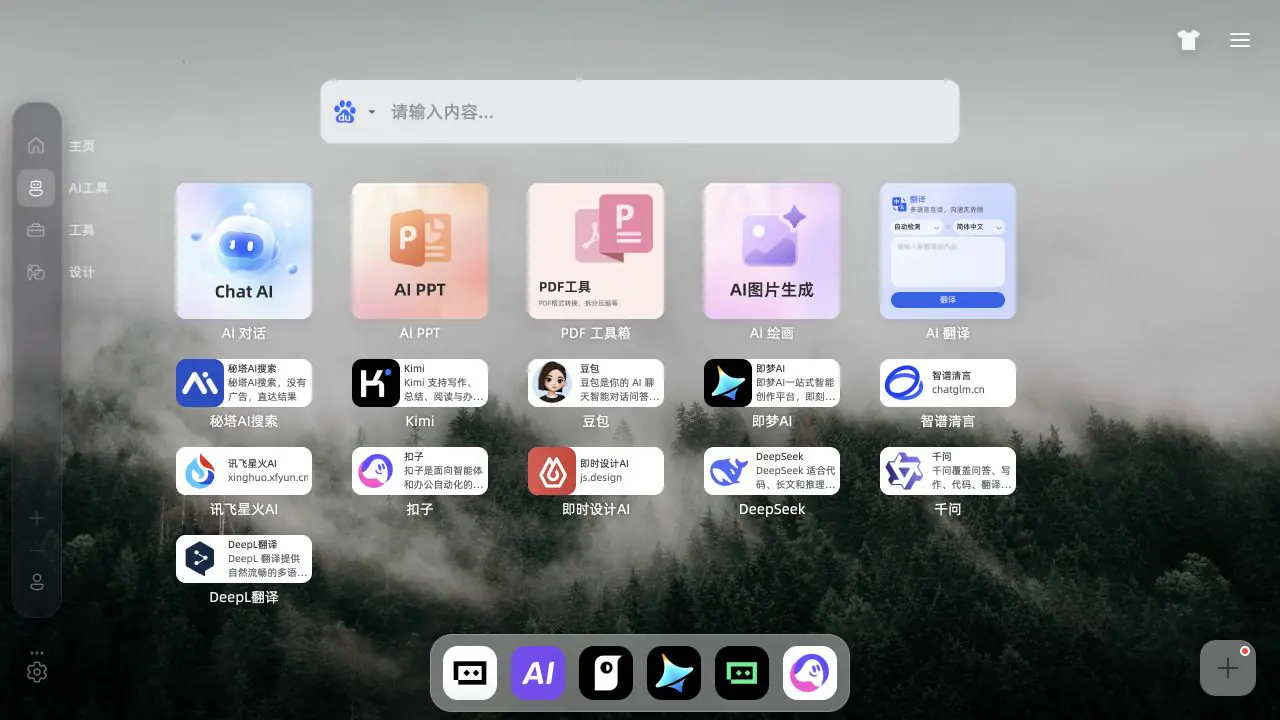
Use folders and shortcuts to group work, study, and personal links, then find the next step from every new tab.

  • Drag to set the order
  • Create folders for each routine
  • Pin the sites you open most
Search and focus

Start from the search box

Search and launch from the center of the page, with fewer repeated jumps and more room for focused work.

  • Search from every new tab
  • Open the right tool in one step
  • Keep the page calm and readable
Movetab task manager with a work and learning list
Tasks and notes

Keep the small things close

Put short tasks, reading plans, and passing ideas beside the browser flow instead of opening another app.

  • Capture the tasks for today
  • Keep a reading plan or quick note
  • See useful context when a new tab opens
Movetab note editor with a reading plan
Widgets and dock

Arrange the page around your habits

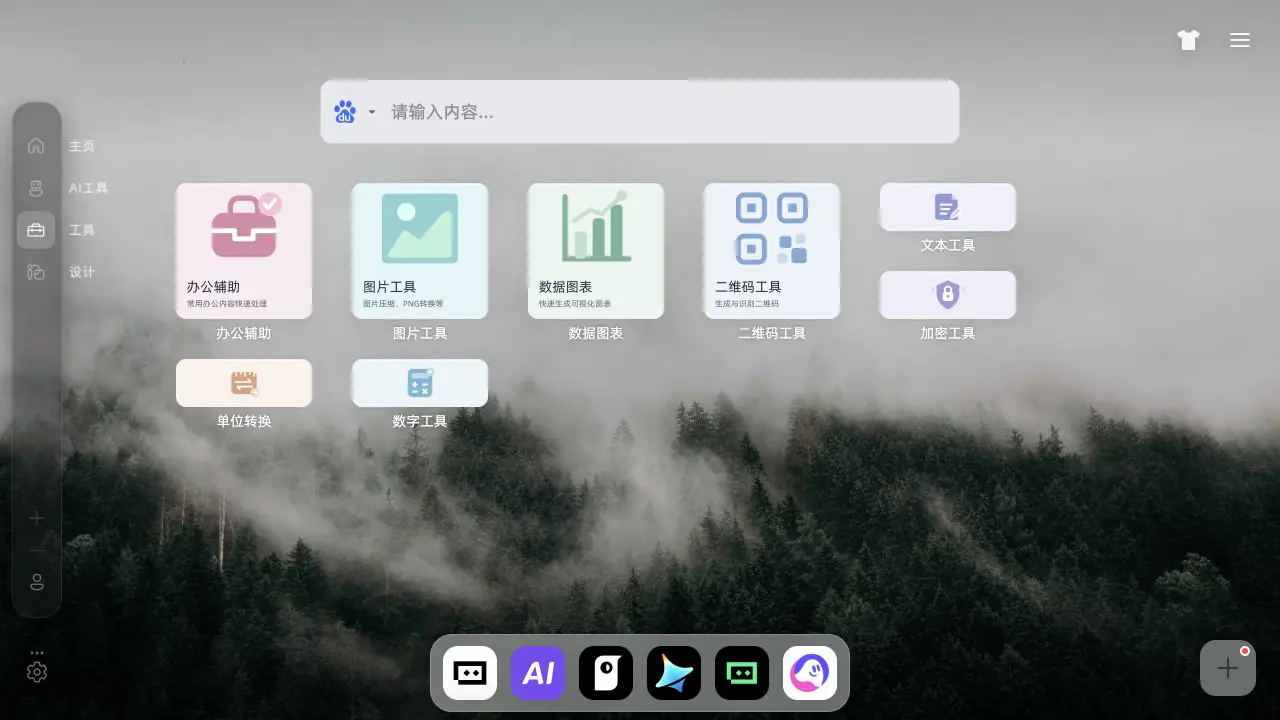
Choose the widgets and tools you use, then set their place so the start page follows the way you work.

  • Keep frequent tools within reach
  • Place widgets by how often you use them
  • Leave out the noise

Start with a new tab that does more

Install Movetab and keep your everyday sites, search, and small tools on the page you already open.

Go to downloads